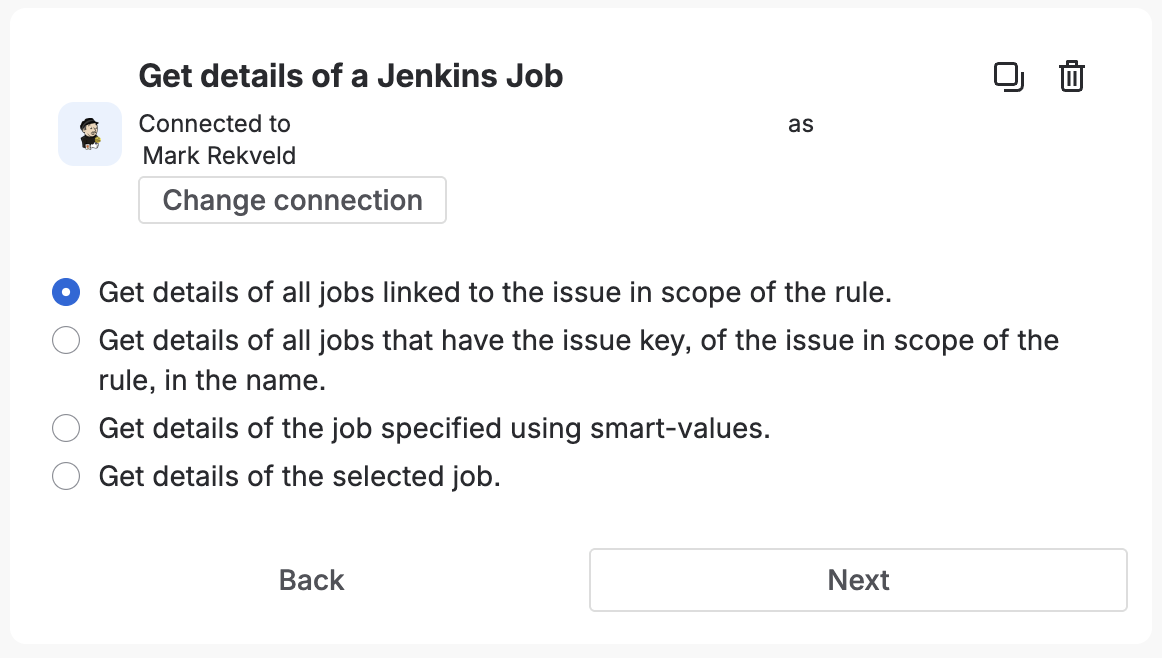
Get the details of one or more Jenkins jobs. You can get the details of a specific job, use smart-values to look up the job(s), or jobs related to the issue in the scope of the rule.
- Provides smart values: Yes
Smart Values
The {{fetchedJenkinsJobList.payload.body}} smart value is a reference to a list of jobs that match the query, and providees the
following details:
{{job.id}} |
Prints the ID of the job. |
{{job.name}} |
Prints the name of the job. |
{{job.fullName}} |
Prints the full name of the job. |
{{job.displayName}} |
Prints the display name of the job. |
{{job.description}} |
Prints the description of the job. |
{{job.displayUrl}} |
Prints the URL of the job that can be used by users. |
{{job.lastBuild}} |
Prints the number of the last known build. |
{{job.oldestBuild}} |
Prints the number of the first known build. |
{{job.linked}} |
Boolean value that indicates that the job is enabled for build-to-issue indexing. |
{{job.deleted}} |
Boolean value that indicates that the job is marked as deleted in the app. |
{{job.site.id}} |
Prints the ID of the site. |
{{job.site.name}} |
Prints the name of the site. |
{{job.site.type}} |
Prints the type of the site. |
{{job.site.connectionType}} |
Prints the connection type of the site. |
{{job.site.displayUrl}} |
Prints the URL of the site that can be used by users. |
{{job.site.enabld}} |
Boolean value that indicates the site is enable for processing. |
{{job.site.registrationComplete}} |
Boolean value that indicates the site registration processes is complete. |
{{job.site.jenkinsPluginInstalled}} |
Boolean value that indicates the site has the counterpart plugin installed. |
{{job.site.autoLinkNewJobs}} |
Boolean value that indicates the site will automatically enable new jobs. |
Next: Getting Started